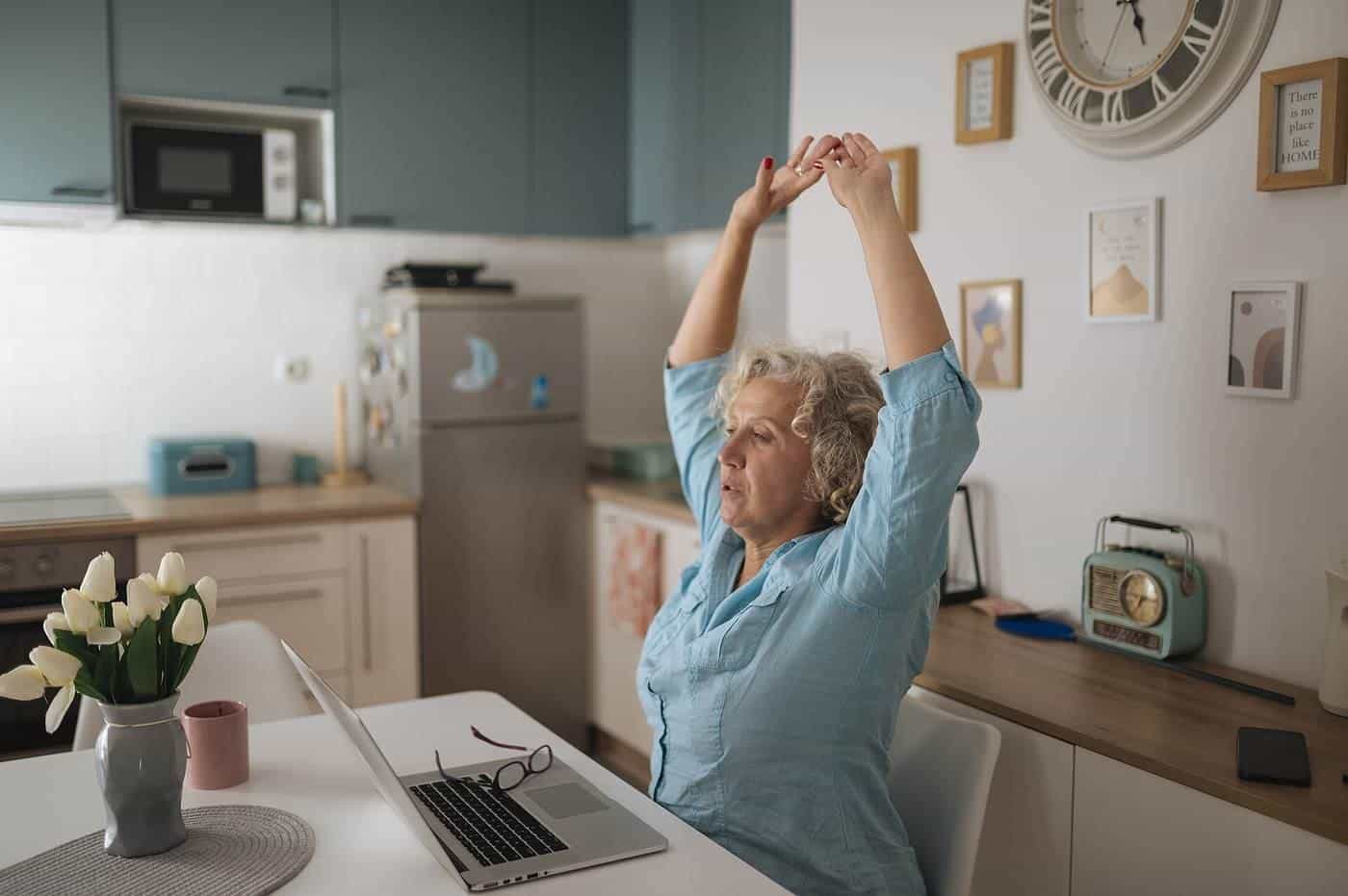
Your home office is where remote work happens, whether it's a dedicated room, a desk in the corner of the bedroom or the end of the kitchen table. Getting it right affects your comfort, health, focus and how you come across to colleagues and clients. The good news is that most improvements are simple and inexpensive.
This section brings together our guides to setting up and running a home office.
Eye level
Screen top
Roughly at or below
Upload
Matters for calls
Not just download
Overlap
Plan across zones
Use our planner
Guides in this section
- Home office setup: desk, chair, screen, keyboard, lighting, noise and breaks.
- Internet for working from home: connection types, speed, Wi-Fi, backups and troubleshooting.
- Video calls and online meetings: camera, sound, lighting, etiquette and running good meetings.
- Working across time zones: Australia's time zones, daylight saving, meeting overlap and asynchronous work.
Your workstation
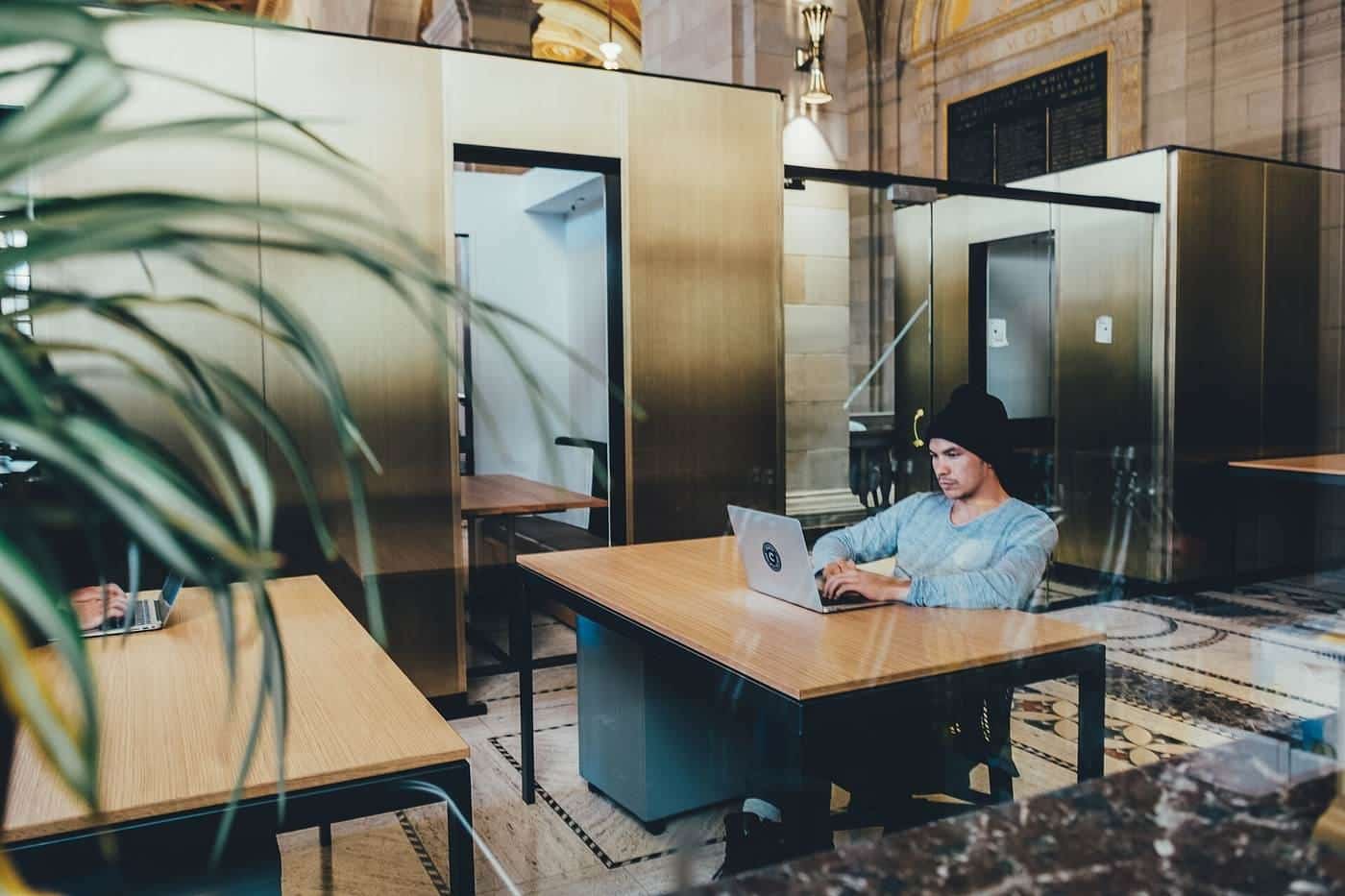
A good workstation lets you sit or stand comfortably with your feet supported, your shoulders relaxed, your forearms roughly level with the keyboard and the top of your screen at or slightly below eye level. Laptops are convenient but not designed for long periods of use on their own; a separate keyboard and mouse, and a stand or external monitor, make a big difference. Safe Work Australia's guidance on working from home covers workstation setup as part of managing health and safety risks.
Lighting, noise and environment
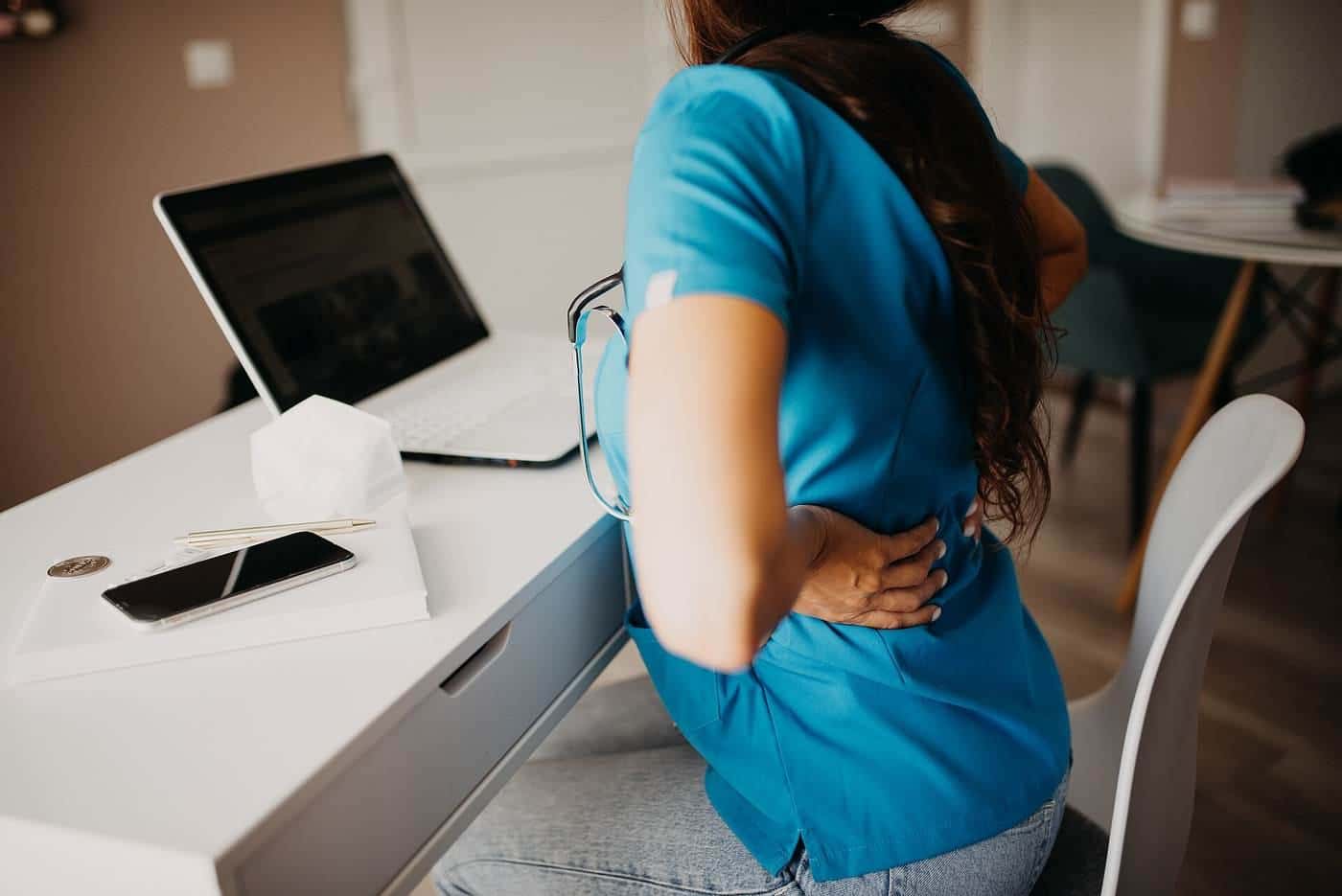
Natural light is pleasant, but avoid glare on your screen by placing it side-on to windows. Add a lamp for evenings. Keep the space at a comfortable temperature and well ventilated. If noise is a problem, a closed door, soft furnishings, a headset or noise-cancelling headphones can help. Keep walkways and cables clear to avoid trips.
Your connection
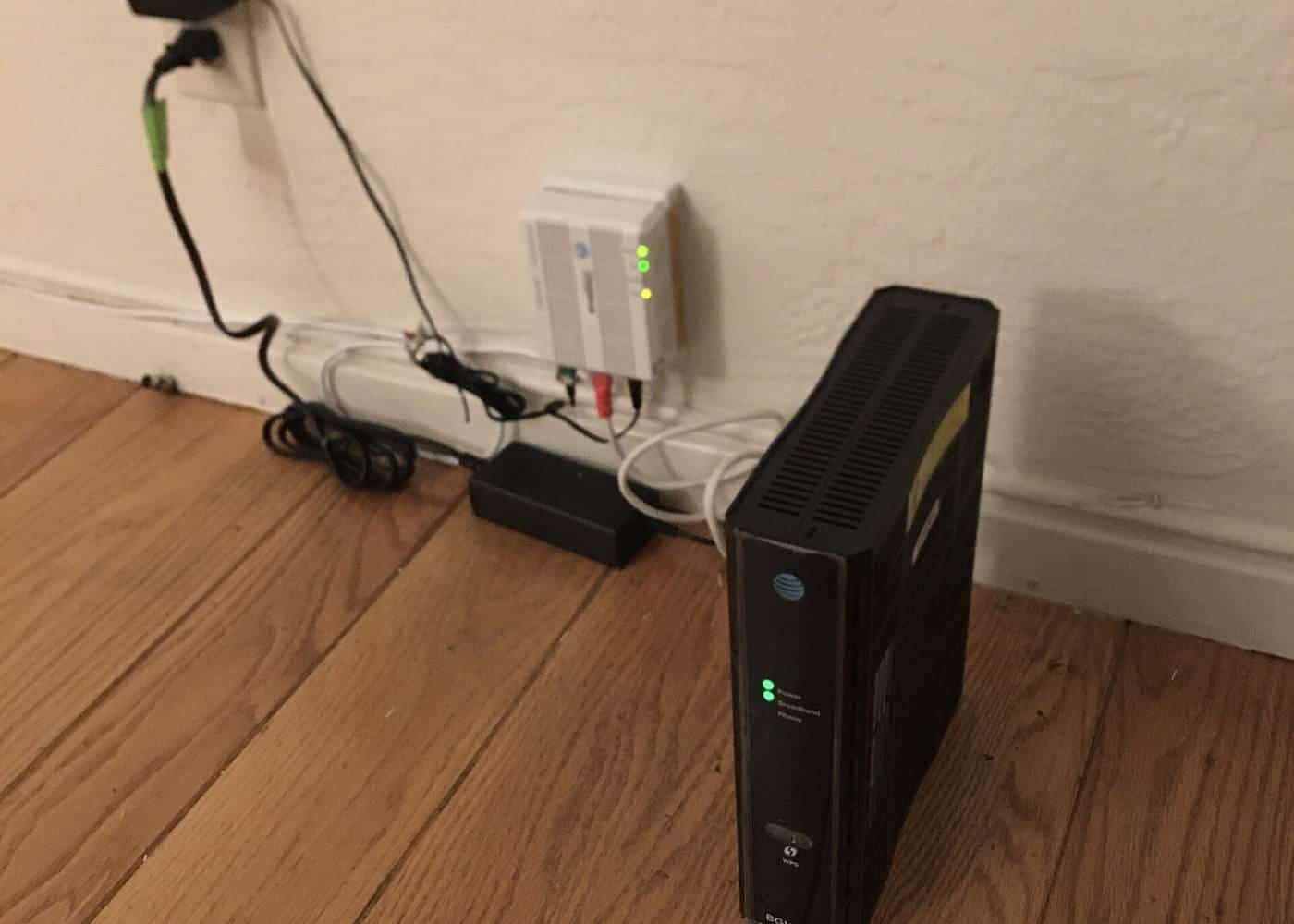
Reliable internet is essential. Most Australian homes connect through the National Broadband Network, using a range of technologies, while some use mobile or satellite services. Video calls depend on upload speed and stability, and Wi-Fi coverage at your desk matters as much as the plan you pay for. Our internet guide explains how to choose a plan, improve Wi-Fi and plan for outages.
Video calls
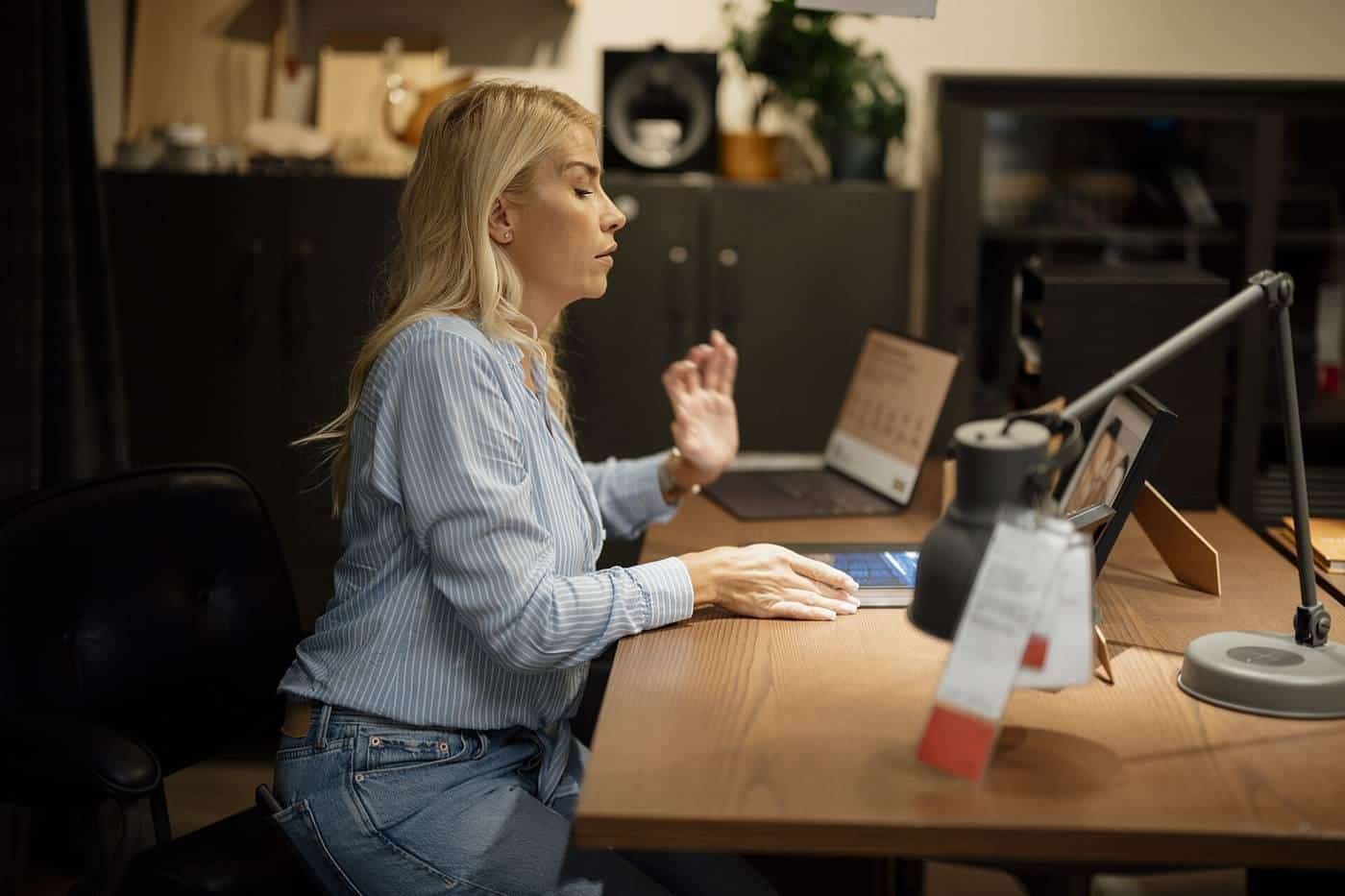
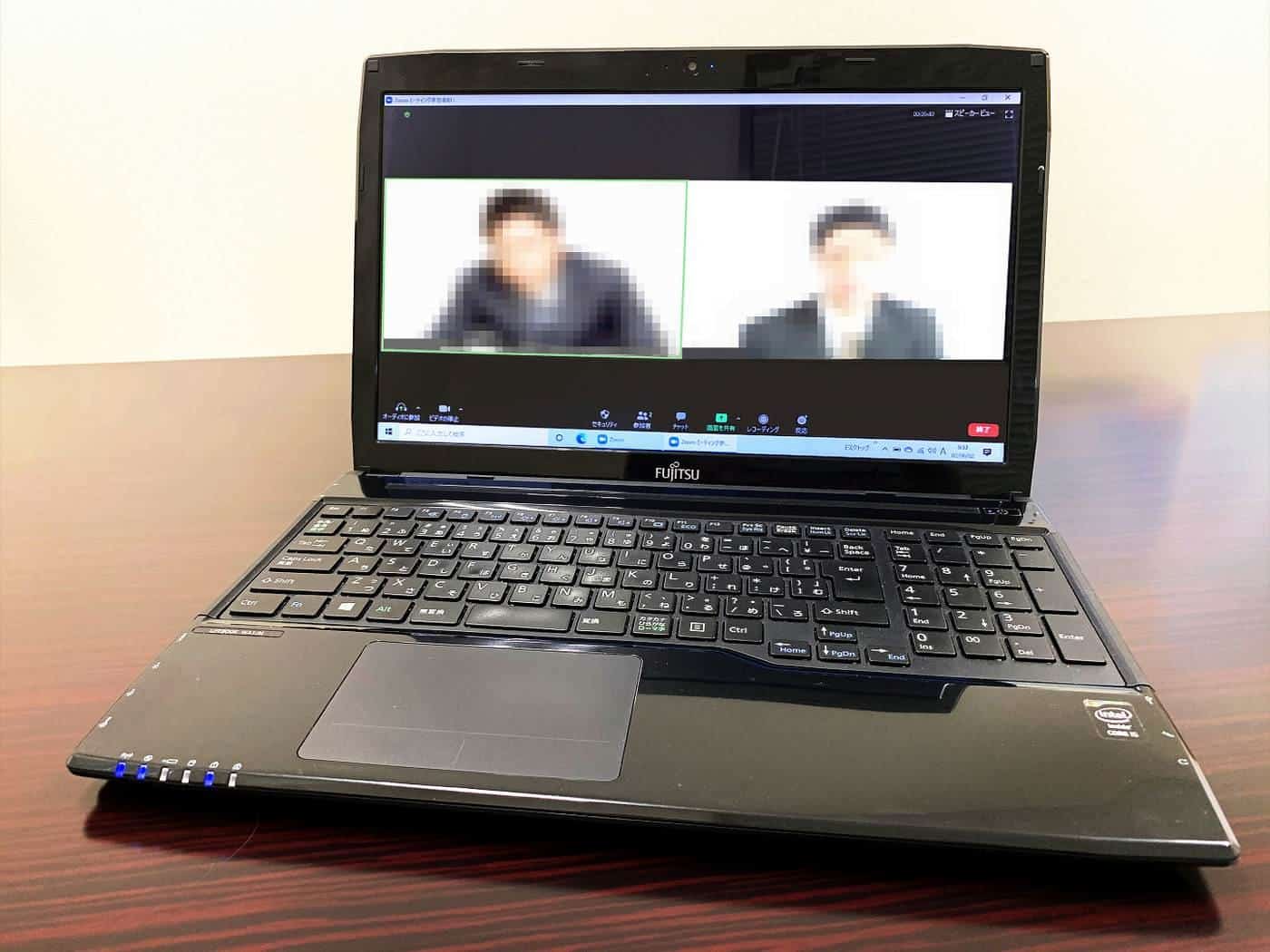
Video calls are the remote worker's meeting room. Good lighting, a camera at eye level, a headset or decent microphone and a tidy or blurred background help you look and sound professional. Our video calls guide covers equipment, etiquette and running inclusive meetings.
Time zones
Australia spans several time zones, and daylight saving applies in some states and not others, so even domestic teams can be out of step for part of the year. International teams face bigger gaps. Our time zone guide and planner help you find shared hours and share the burden of early and late meetings.
Security
Your home office is part of your workplace's security. Keep devices updated, use strong passphrases and multi-factor authentication, secure your Wi-Fi, lock your screen when you step away and follow your employer's policies. Our guide to securing your home office explains the essentials.
Small spaces
If you don't have a spare room, choose a spot with good light, room for a proper chair and a surface at the right height. Fold-away desks, monitor arms and storage boxes can help you pack away work at the end of the day, which also helps you switch off.
Who pays?
Arrangements for equipment and running costs vary. Some employers provide laptops, monitors, chairs or allowances; others expect employees to use their own. Check your contract, award, agreement and workplace policies. Your employer's work health and safety duties may require them to help ensure your workstation is safe. If you pay for work-related costs yourself, you may be able to claim a tax deduction; see our tax basics guide.
Start with what you already have
A good home office does not have to begin with a shopping list. Most people can improve comfort a great deal with things already in the house: a firm cushion to raise seat height, a stack of books to lift a laptop screen, a box under the desk as a footrest, or a lamp moved to the side so it stops causing glare. Try these adjustments for a week or two and notice what still bothers you. That tells you where spending money will make a real difference, and where it will not.
When you do buy, prioritise the things you touch and look at all day: the chair, the screen position and the keyboard and mouse. A separate keyboard and mouse paired with a raised laptop is one of the cheapest and most effective changes for anyone working from a laptop.
Review your setup regularly
Needs change. A setup that worked for occasional days at home may not suit full-time remote work, and a corner that was fine in winter may be too hot or bright in summer. Every few months, take five minutes to check your posture, lighting, noise, cables and connection. Small, regular fixes are easier than a big rebuild after discomfort has already set in.
Key points
A safe, comfortable workstation, good lighting, reliable internet and a decent headset make remote work easier and healthier. Set up your screen and keyboard properly, improve your Wi-Fi, prepare for video calls, plan across time zones and keep your devices secure.
Guides in this section
Home office
Home office setup
How to set up a safe, comfortable home office: choosing a spot, chair and desk height, screen and laptop setup, lighting and breaks.
Read · 5 min
Home office
Internet for working from home
Choosing and fixing internet for working from home: connection types, upload speed, Wi-Fi coverage, cables, backups and troubleshooting.
Read · 5 min
Home office
Video calls and online meetings
How to look and sound good on video calls and run better online meetings: camera, lighting, audio, etiquette, hybrid meetings, privacy.
Read · 6 min
Home office
Working across time zones
Working with colleagues in other time zones: Australia's zones and daylight saving, meeting overlap, fair scheduling and async work.
Read · 4 min
Frequently asked questions
Do I need a separate room for a home office?
No. A dedicated room helps with focus and boundaries, but many people work well from a corner of a room. What matters most is a safe, comfortable workstation with good lighting and minimal distractions.
Who pays for home office equipment?
It depends on your employer, contract and workplace policies. Some employers provide equipment or allowances. Your employer also has work health and safety duties for your home workstation.
What internet speed do I need?
It depends on your work and how many people share the connection. For video calls, upload speed and stability matter as much as download speed.
How can I make video calls look and sound better?
Face a window or soft light, put the camera at eye level, use a headset or external microphone, and use a wired connection or sit close to your router.
Sources and further reading
Facts on this page were checked against these primary and official sources. Conditions change — confirm before you travel or buy.
- Working from home overview — Safe Work Australia
- Working from home worker information sheet — Safe Work Australia
- Internet — ACCC
- Cyber.gov.au — Australian Signals Directorate